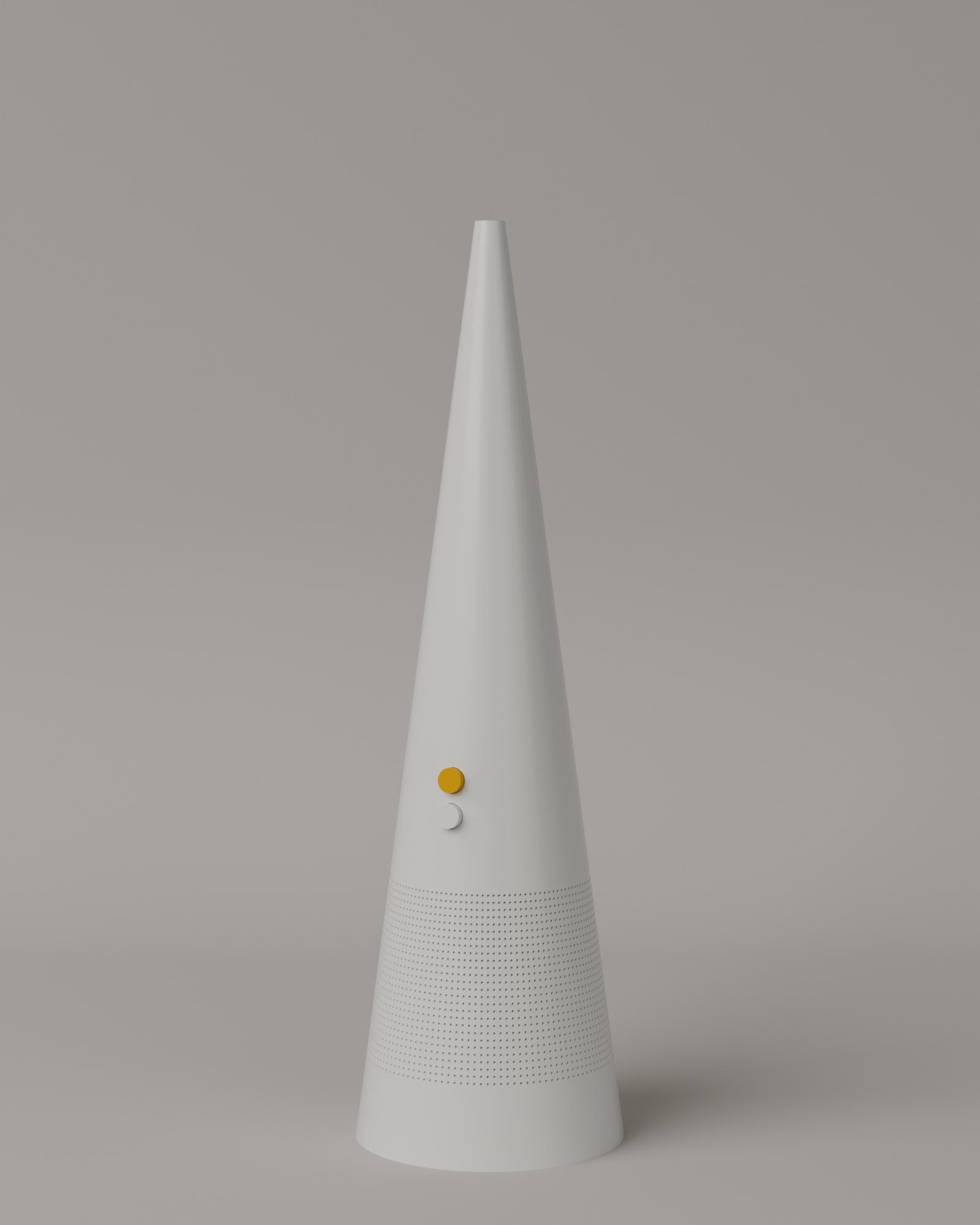
All of it came out of the one file that was sent. Here is what we
would need to take the rest of the range further — the question, and what each answer
changes. They are in the order they would matter.
-
Can we have the complete assembly, rather than the simplified export?
The file we have holds six solid bodies and nothing about how they belong
together — no part names, no assembly order, nothing of what sits inside the
housing.
With the full assembly we can open the product and show what
is in it. That is the one thing this page cannot do today.
-
Which mould texture and material does the white housing use?
An SPI, VDI 3400 or Mold-Tech code, plus the material and colour — the line
that already goes to the tool maker. A STEP file describes the shape down to the
last dimension, but says nothing about how the surface is finished.
The matte white here is our estimate. With the real texture the
surface stops being a guess, and the product reads as moulded instead of drawn.
-
What do the red, yellow and blue buttons do, and in what order?
They are the only colour on the whole product, sitting in a row where the thumb
lands.
If they are heat, or speed, counted top to bottom, the product
explains itself and the three colours have a reason to run through everything
else we build.
-
Is there a Pantone or article number for the button plastic?
The three colours used across this page were measured from video.
Close enough to look at, not close enough to print or mould
from. A code makes them exact everywhere the brand appears.
-
Can we borrow one unit to photograph?
A single physical unit, shot under controlled light.
It settles the colour and the grain of the moulded surface at
once — and it is the only one of these that needs no CAD at all.